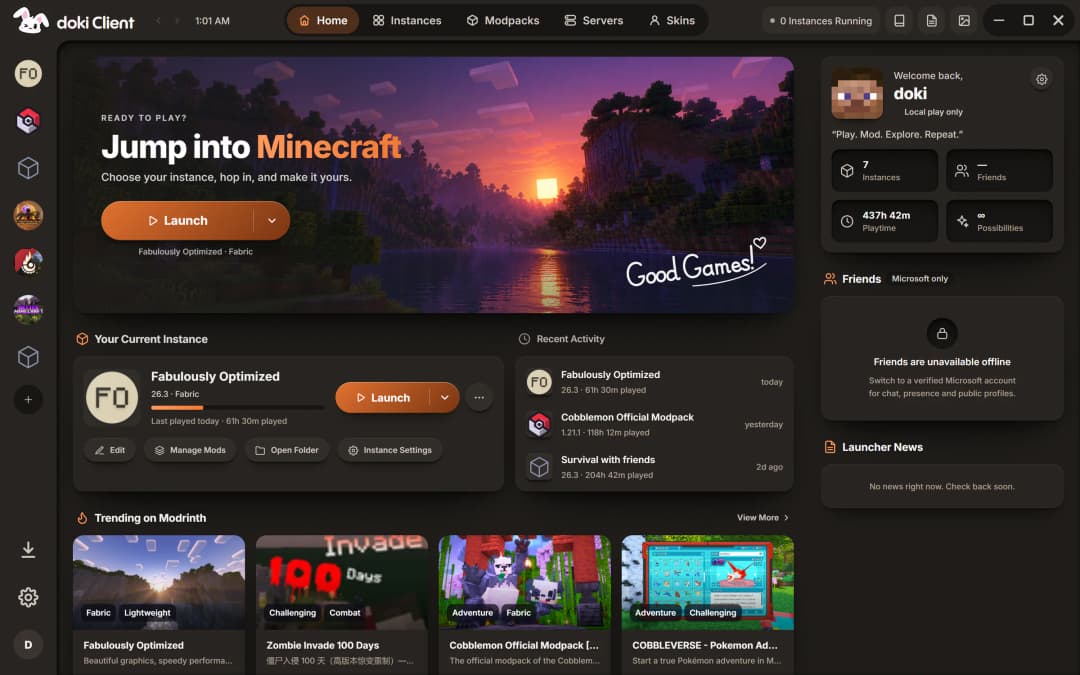
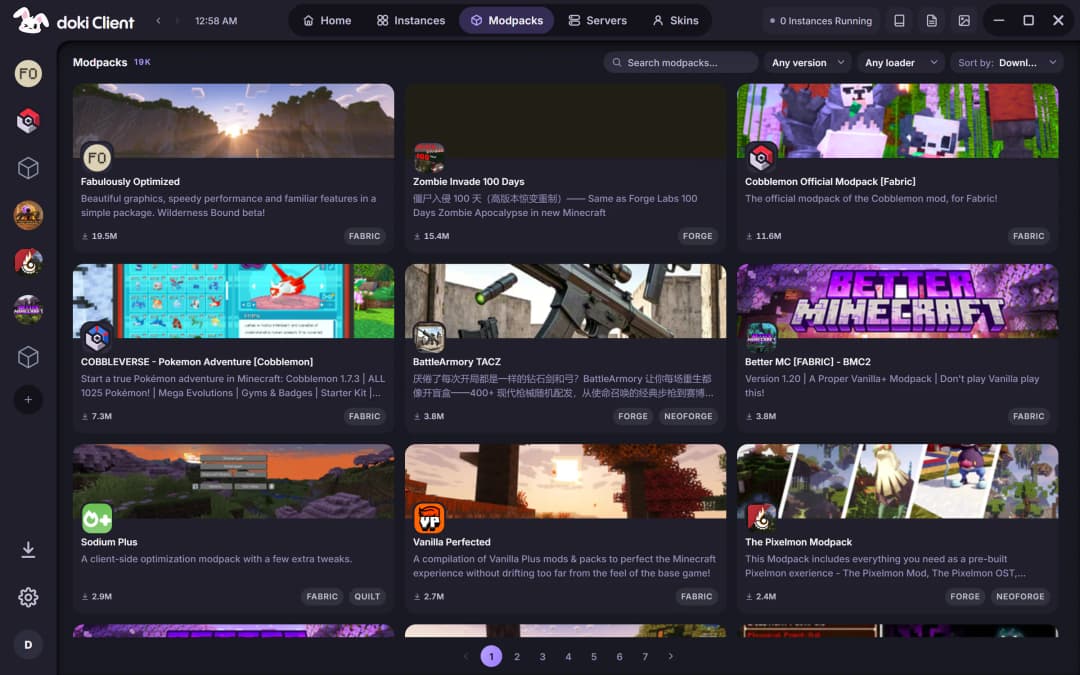
All of Modrinth, one click away
Modpacks and mods with their dependencies sorted, every file checked before it lands.
No premium? Still you deserve better.
doki Client sets up every Minecraft version, loader and modpack for you. Play with an offline profile or your Microsoft account. Made in India, built in Rust.v1.6.1 for Windows and Linux
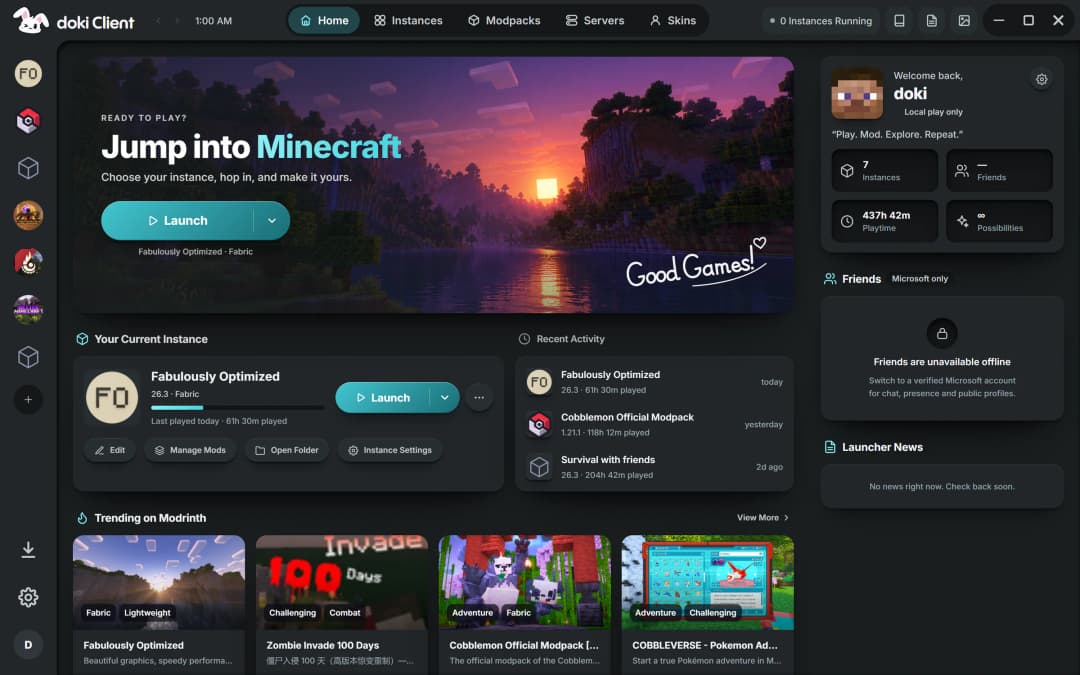
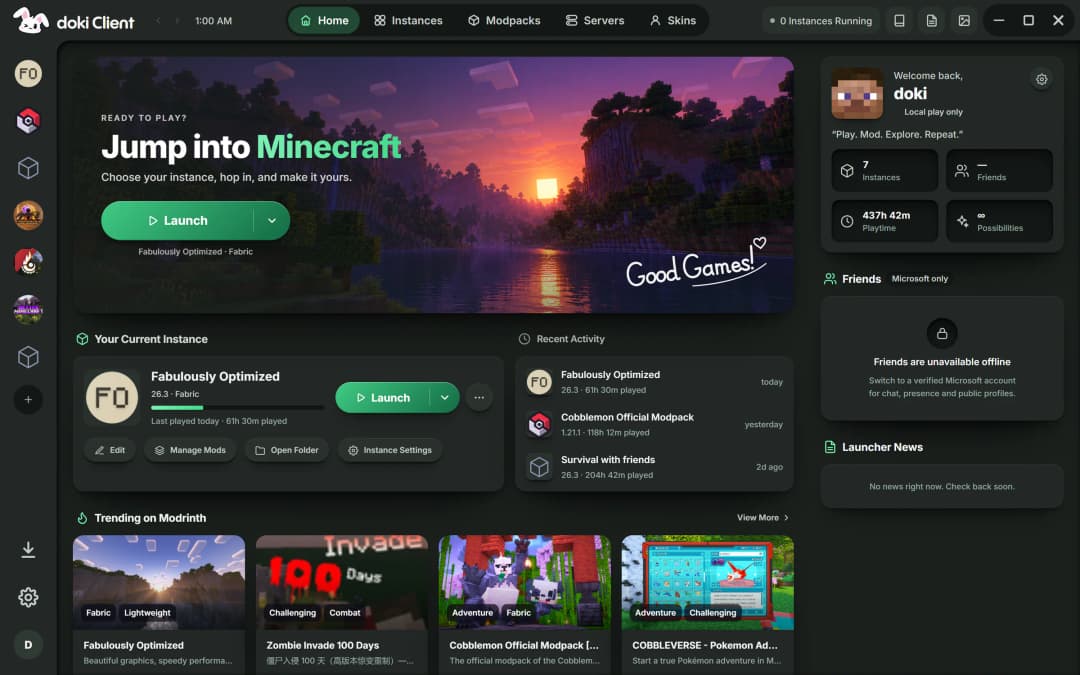
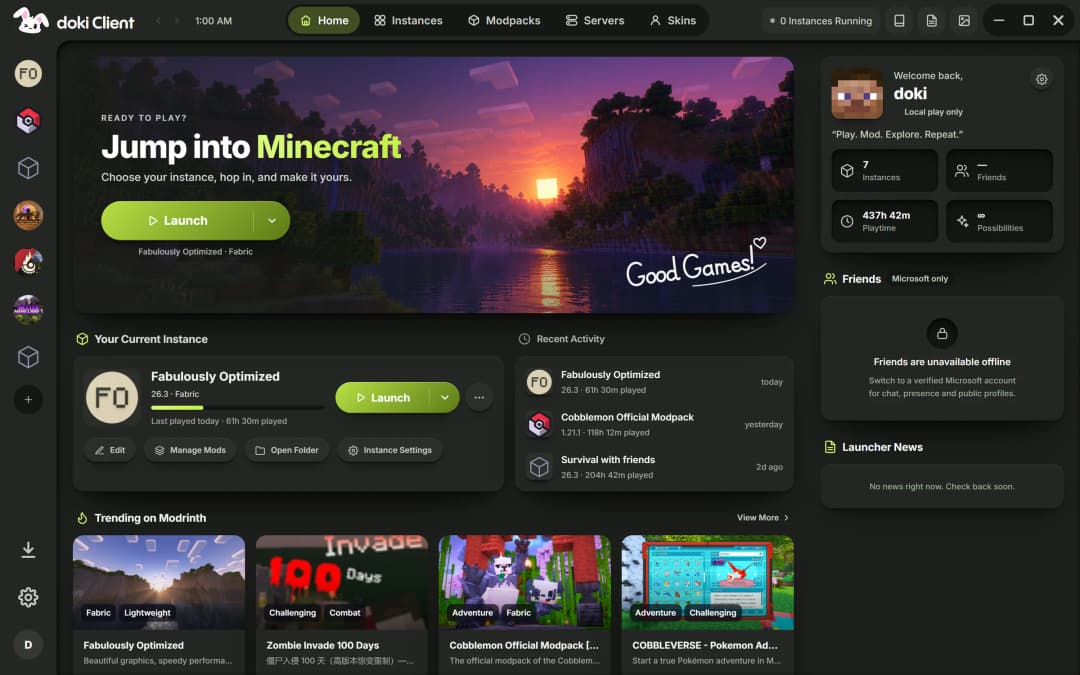
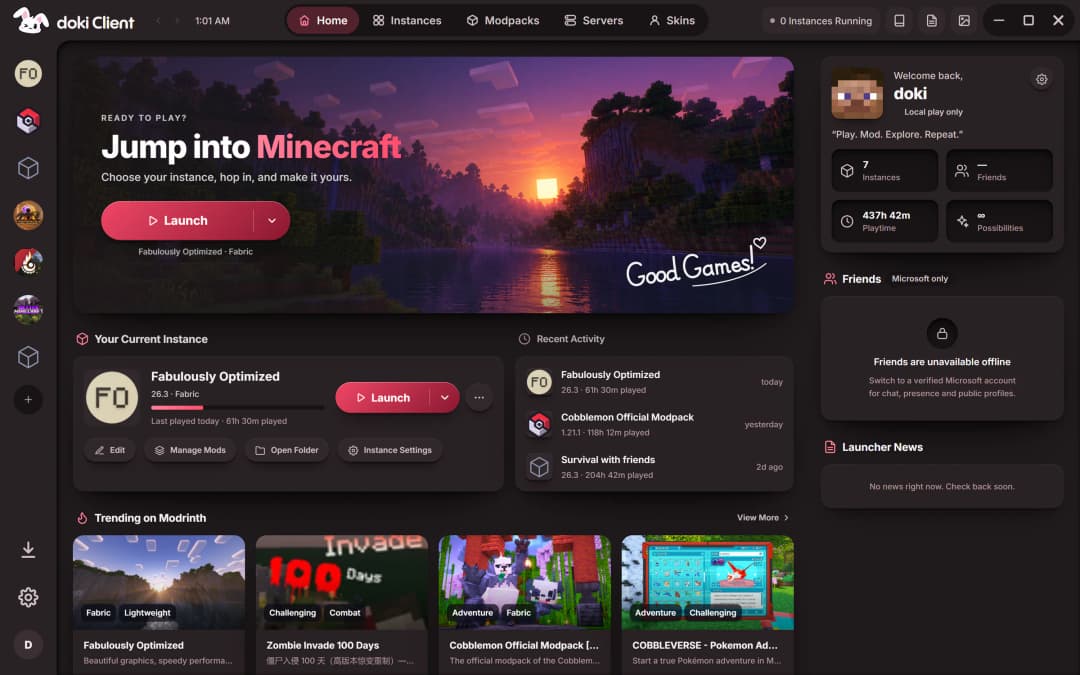
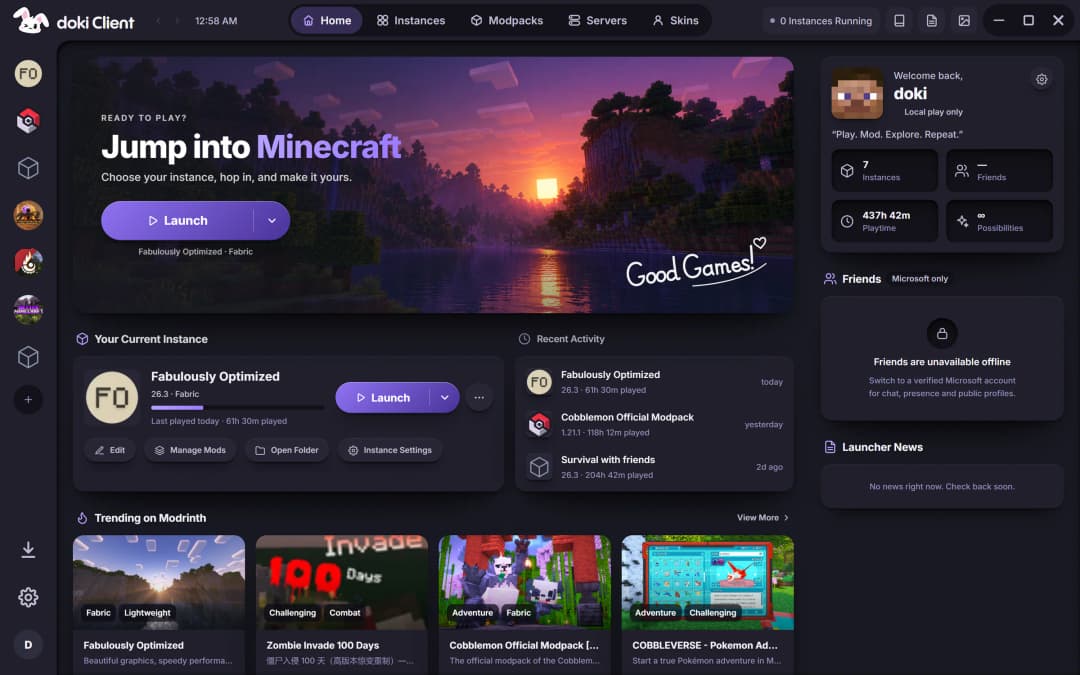
Six themes ship with doki. Pick one below and the whole launcher changes with it.
Modpacks and mods with their dependencies sorted, every file checked before it lands.
Play offline.
Make an offline profile and play. Sign in with Microsoft whenever you want online servers, friends and your official skin.
doki ships its own Java 21, so a broken system Java can't stop a launch.
Lite mode and a Low-end memory profile keep older laptops smooth, and the launcher steps aside while you play.
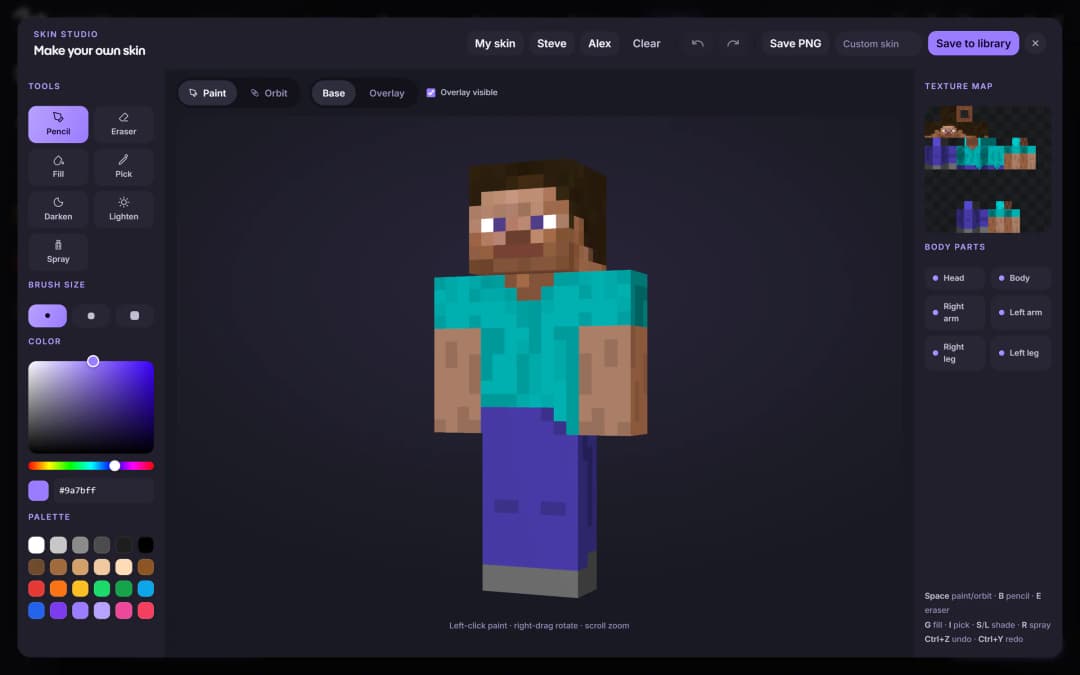
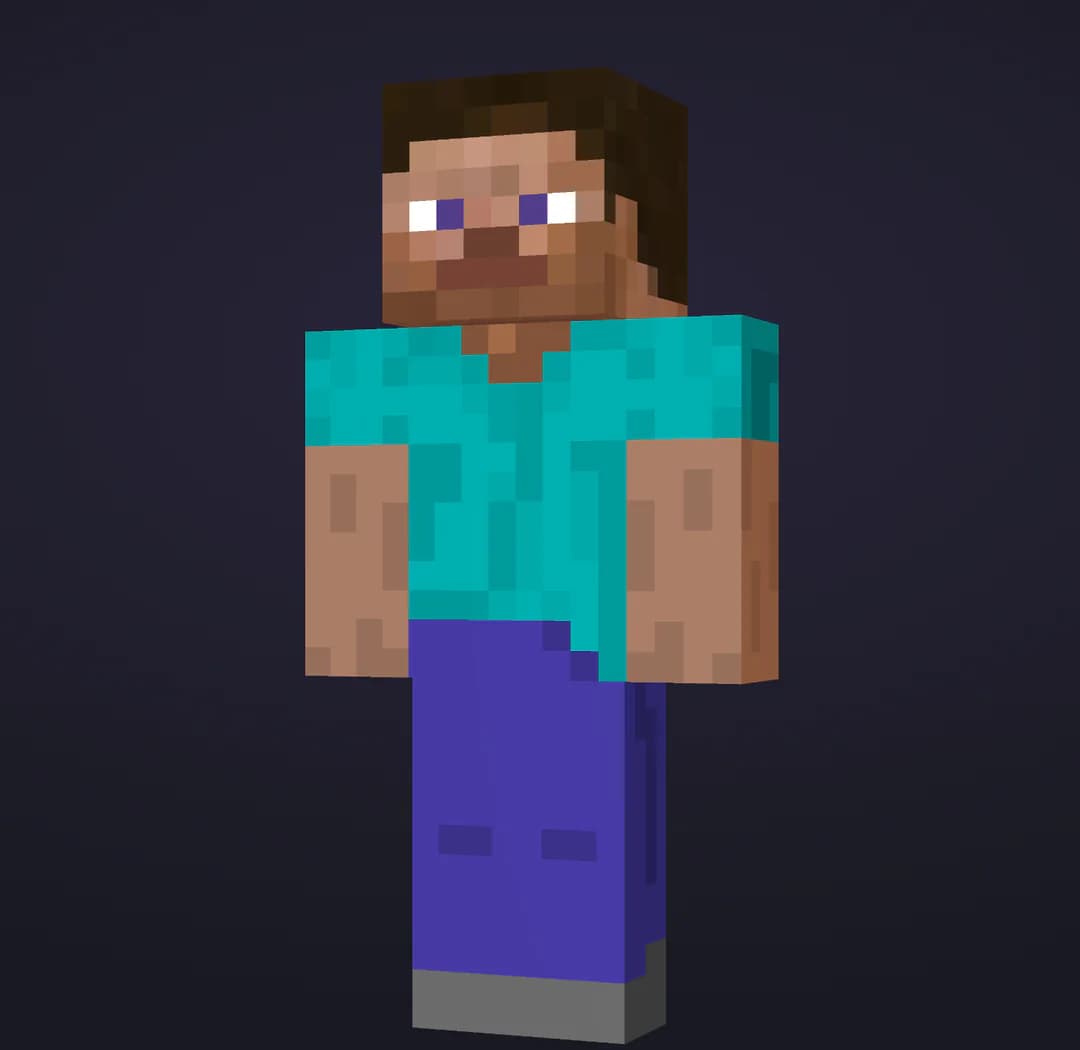
Paint your skin on a 3D model, then keep it in your wardrobe.
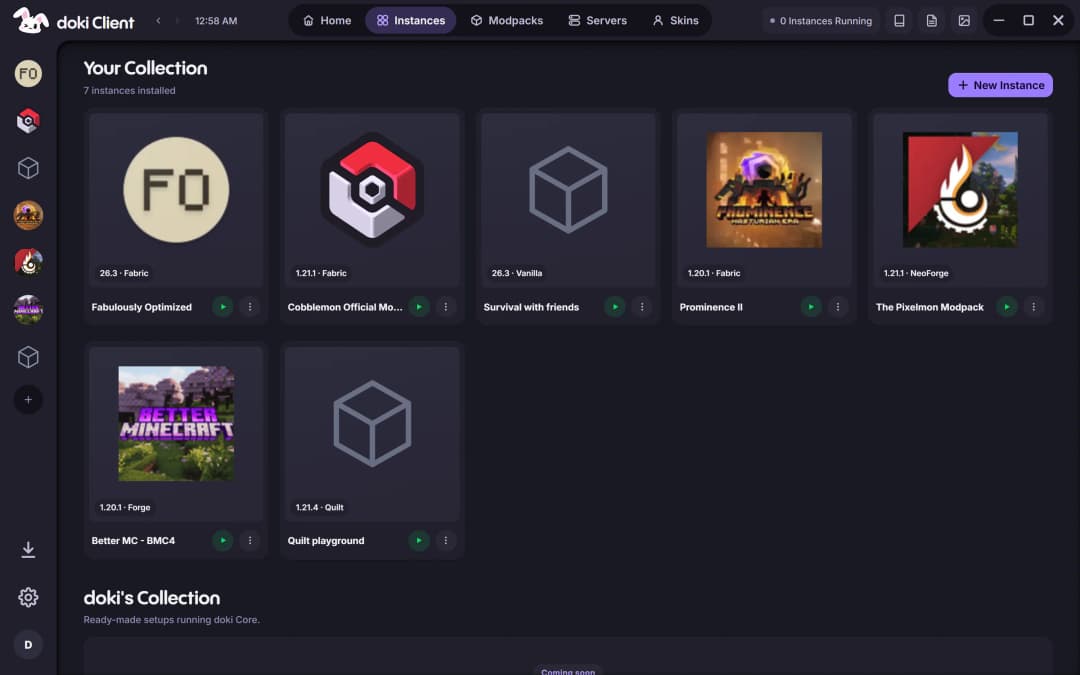
Make an instance on any Minecraft version and loader. doki installs the loader, picks the Java, sizes the memory for your PC and keeps every instance separate.
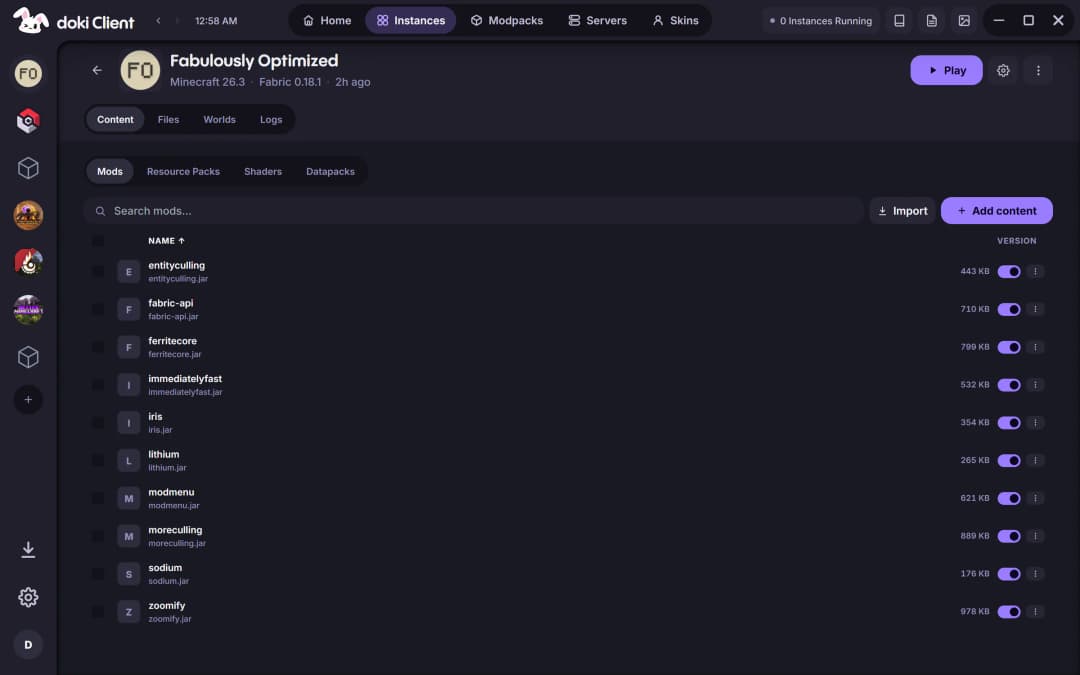
Toggle, update and remove mods, resource packs, shaders and datapacks from one list. When a launch fails, the live console tells you why.
Most players here don't start on a gaming rig with a premium account. They play on a family laptop, on a connection that drops, with friends on an offline profile.
doki is built for exactly that, without asking you to settle for a launcher that looks like it's from 2012.
Signed updates. Every update is checked against doki's signing key before it installs.
No. doki works with offline profiles for playing on your own and on servers that allow them. Sign in with a Microsoft account when you want online-mode servers, friends and chat, and your official skin and capes.
How to play Minecraft without premiumWe built doki Client to be it. It's made in India for how players here actually play: offline profiles when there's no premium account, Lite mode and a Low-end profile for family laptops, a download mirror for connections that drop, several accounts on one PC, and Linux packages for the old laptop running Ubuntu.
Made in India, made for how we playEvery Minecraft release on Vanilla, plus Fabric, Forge, Quilt and NeoForge on the versions each loader supports. doki installs the loader for you, including Forge on versions older than its modern installer.
Versions, loaders and Modrinth in the LauncherVery likely. doki is built in Rust rather than as a web browser in disguise, has a Lite mode for older hardware, a Low-end memory profile, and tells Windows to use your dedicated graphics card on gaming laptops.
Minecraft on a low-end PCSo the launcher stays light and the game gets your PC. doki is built in Rust with Tauri 2, not Electron, so it doesn't carry its own copy of a web browser: it starts fast and leaves memory for Minecraft.
A Minecraft launcher built in RustYes, if you want offline profiles, every loader and Modrinth modpacks from a launcher whose installers, checksums and connections are all published. Updates are signed and saved sign-ins are encrypted.
Looking for a TLauncher alternative?The installer isn't code-signed yet, so Windows SmartScreen asks before running it. Choose More info, then Run anyway. Updates after that are signature-checked by doki itself.
How to install doki on WindowsNot yet. doki is available for Windows and Linux today.
Why there's no Mac version yetOne download. Every version, every loader, every modpack.